 Free Stripe app for Mac
Your Stripe revenue,
live in the menu bar.
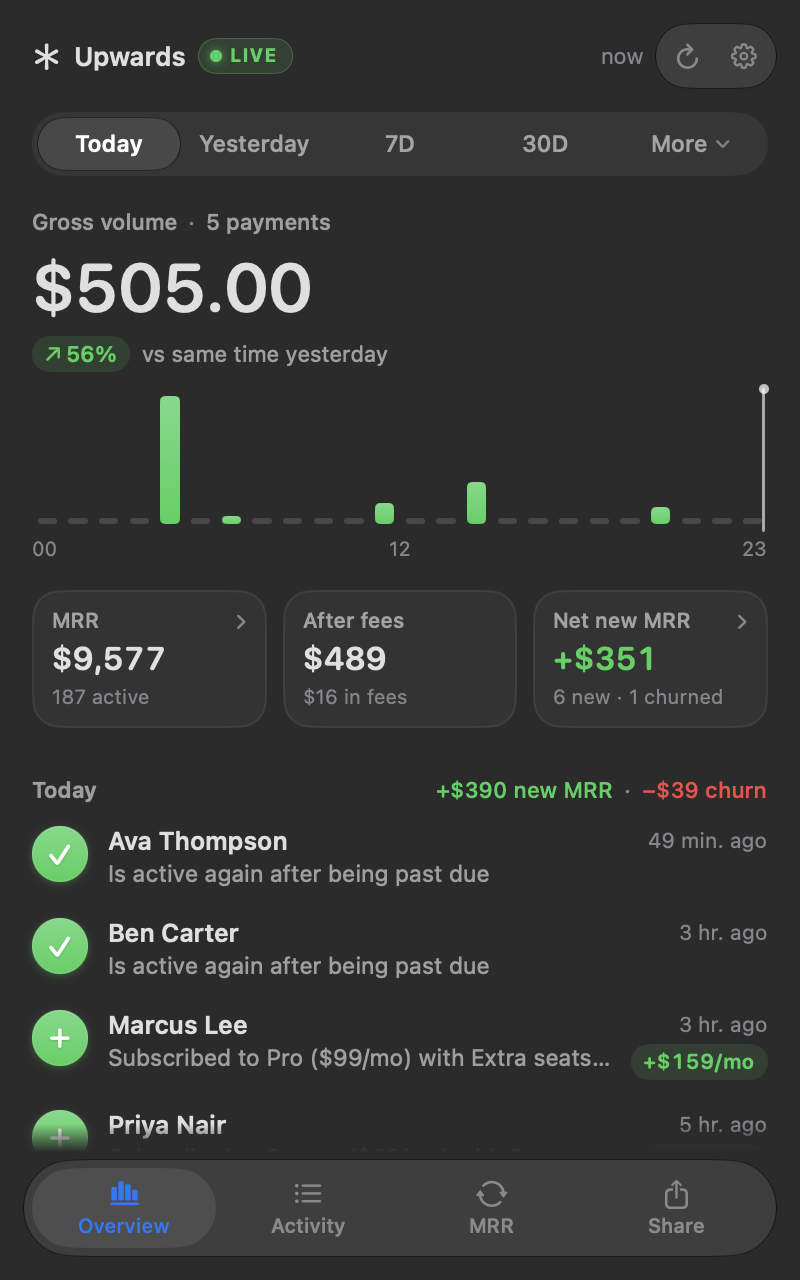
Today's sales, MRR that matches Stripe, and every new subscription, cancellation or failed payment, a click away all day.
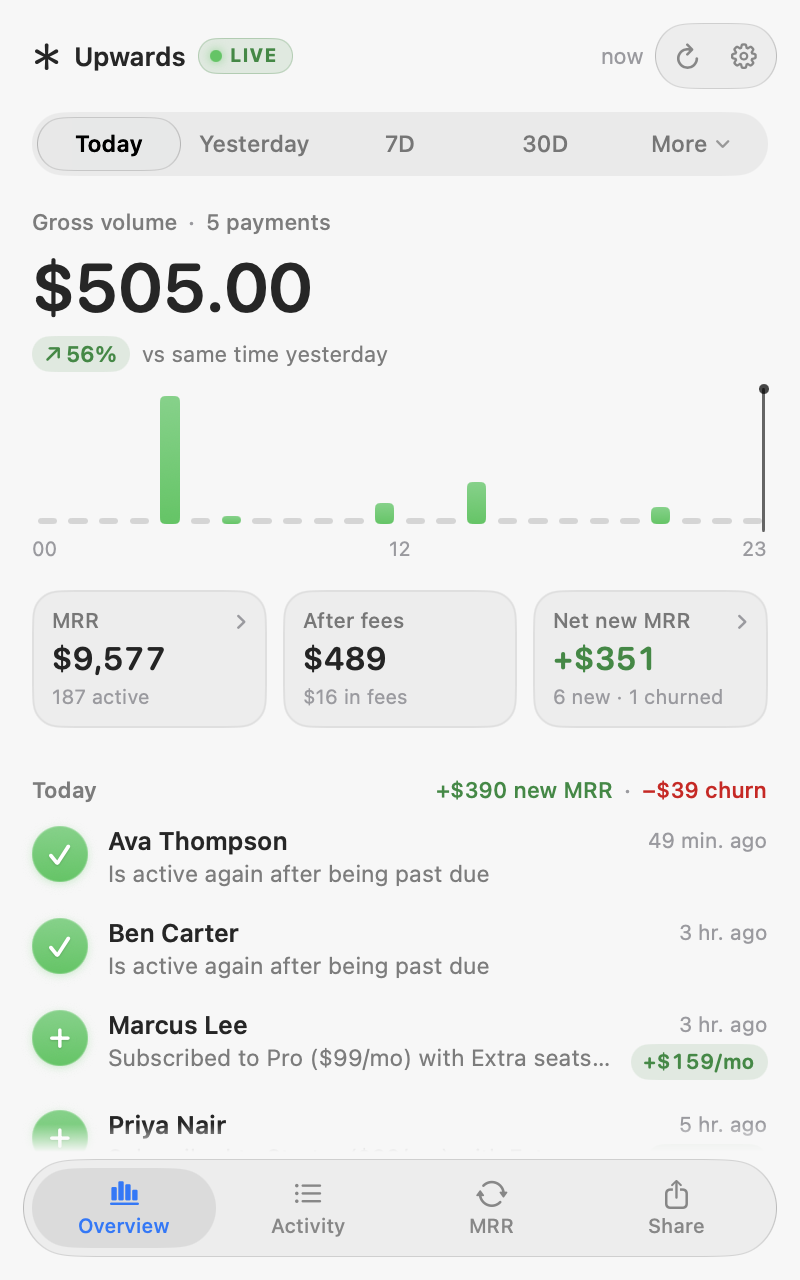
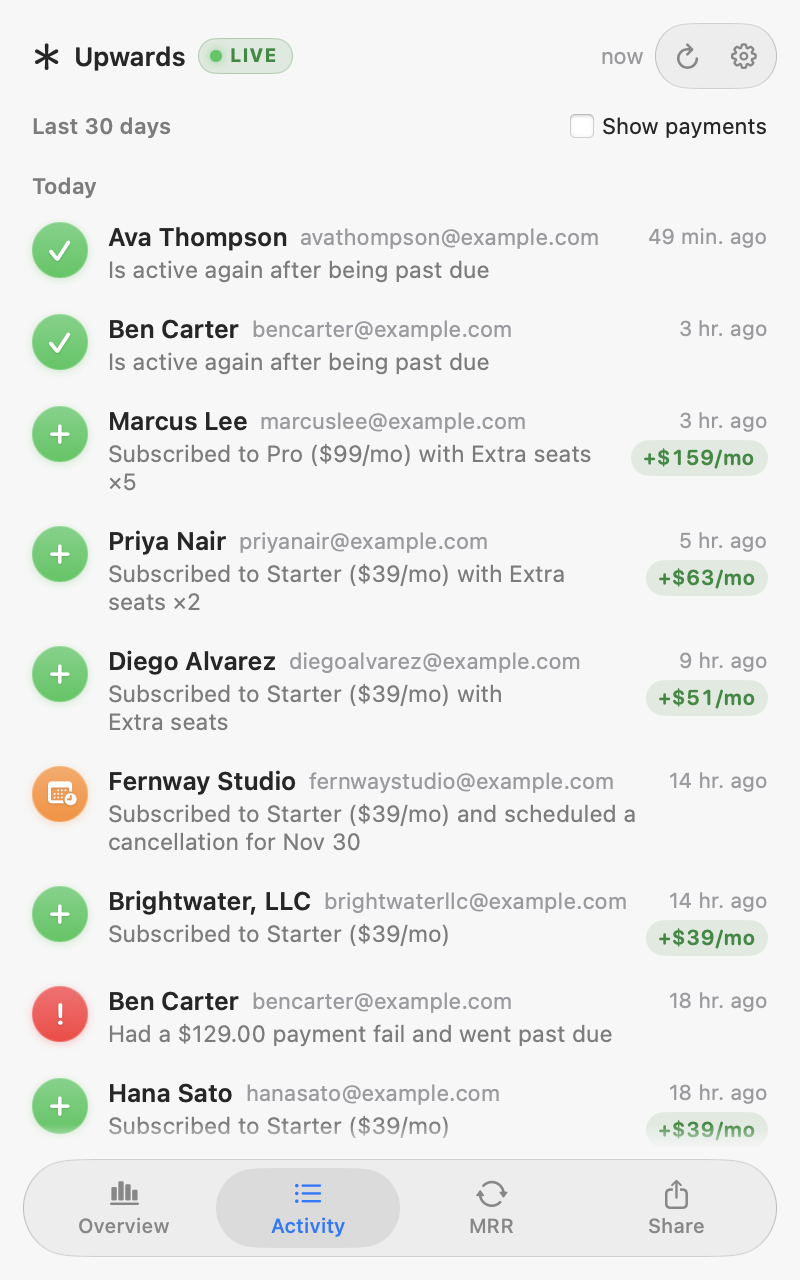
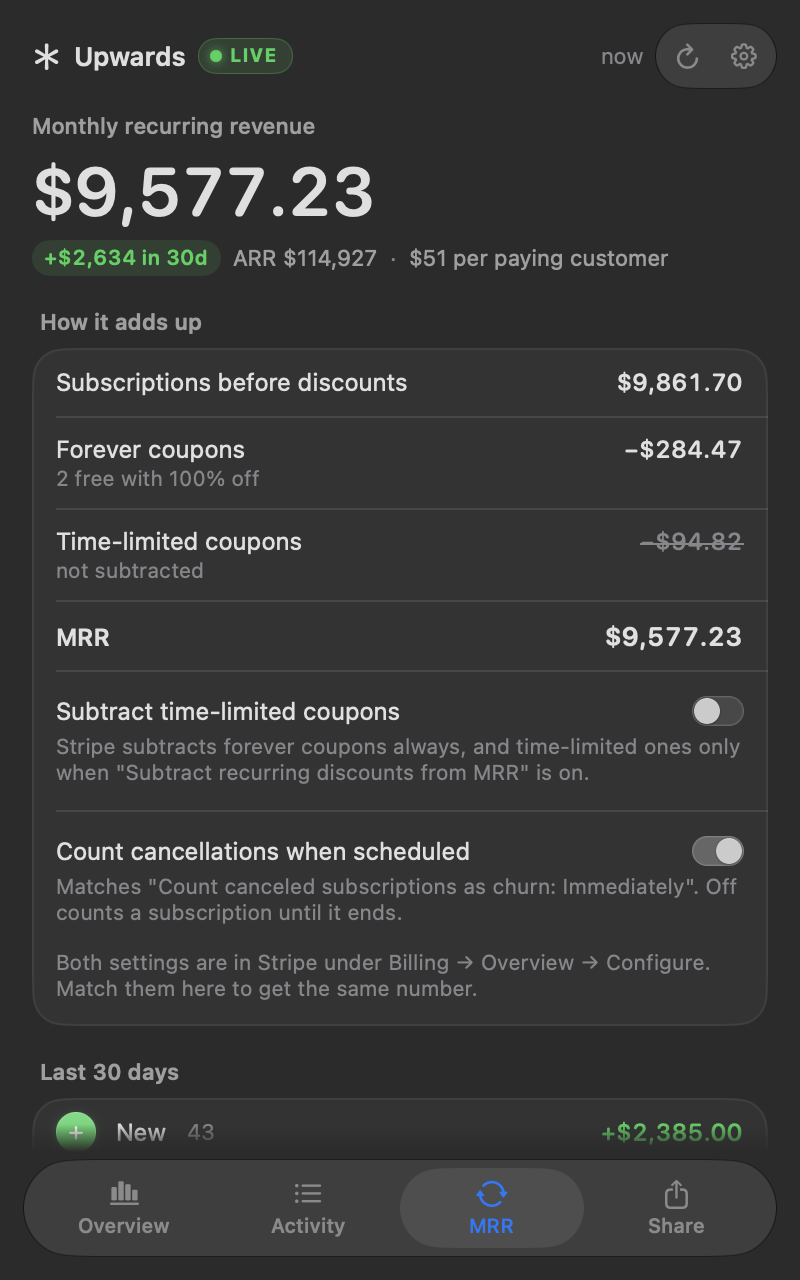
Overview. Today's sales against yesterday, your MRR, and who just subscribed.
Everything you open Stripe for, without opening Stripe.
An MRR tracker and sales dashboard a click away in your menu bar, plus a few numbers you wish Stripe showed.
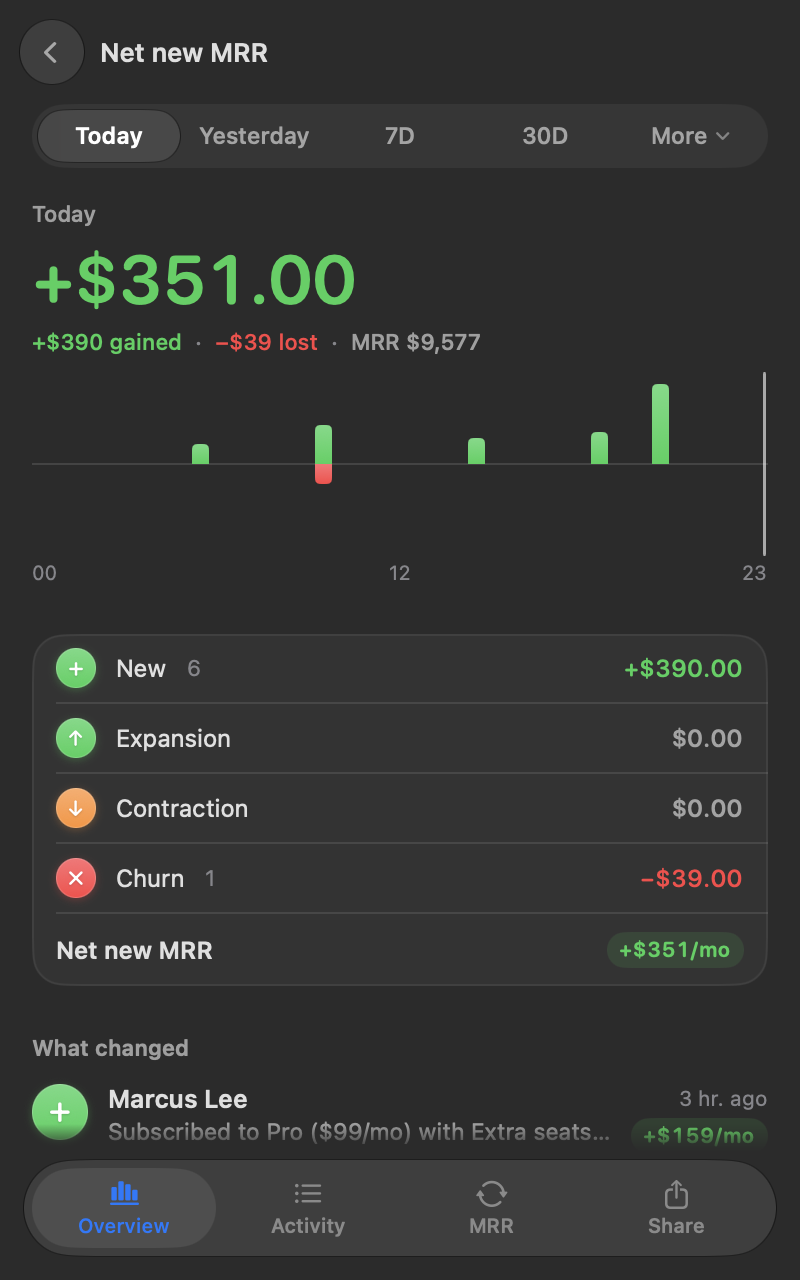
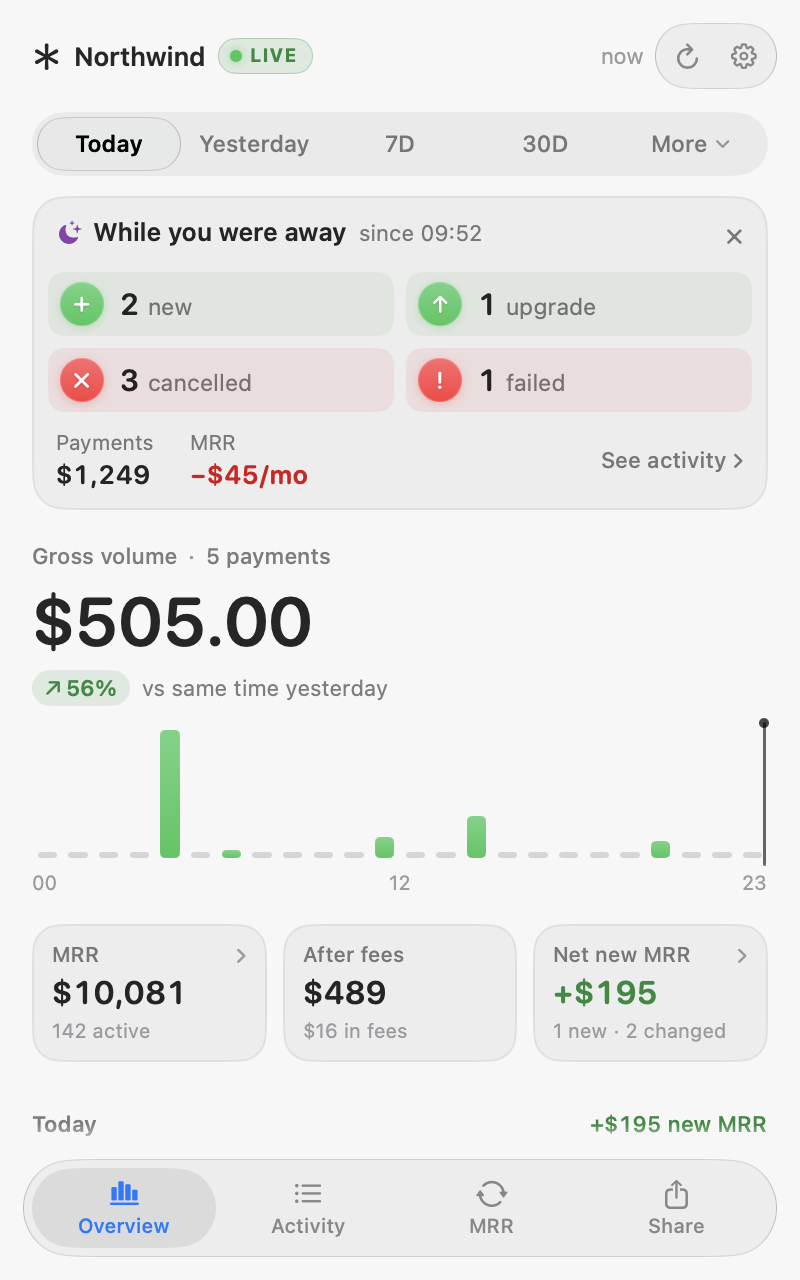
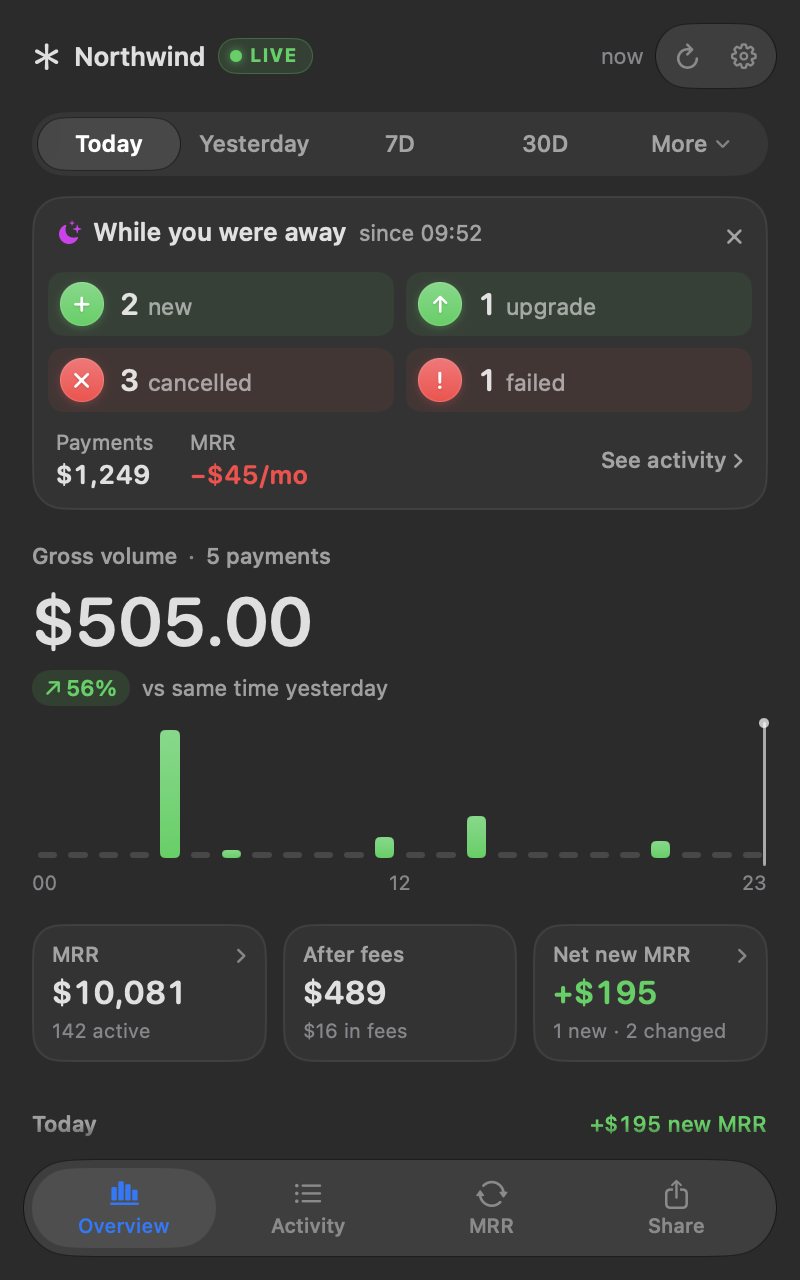
Quiet, until it matters.
Notified as it happens
New subscriptions, upgrades, cancellations, failed payments and refunds, as macOS notifications.
Back from a break?
A summary of what changed waits for you, so nothing slips by.
Light and dark
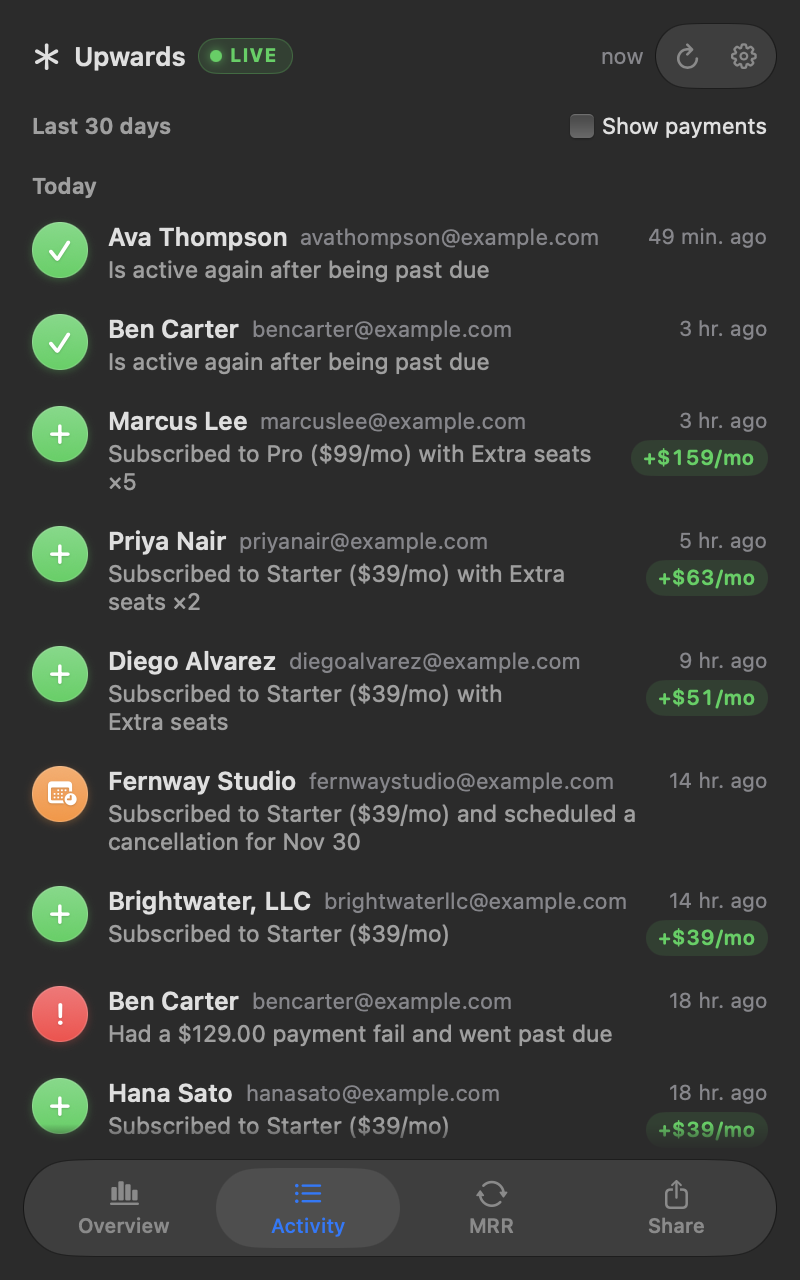
Follows your Mac's appearance.
Read-only, no server
A restricted key in your Keychain. Your payments and customers go from Stripe to your Mac, nowhere else.
Native and light
Built in Swift for macOS 14 or later, on Apple silicon and Intel.
Post your MRR, beautifully.
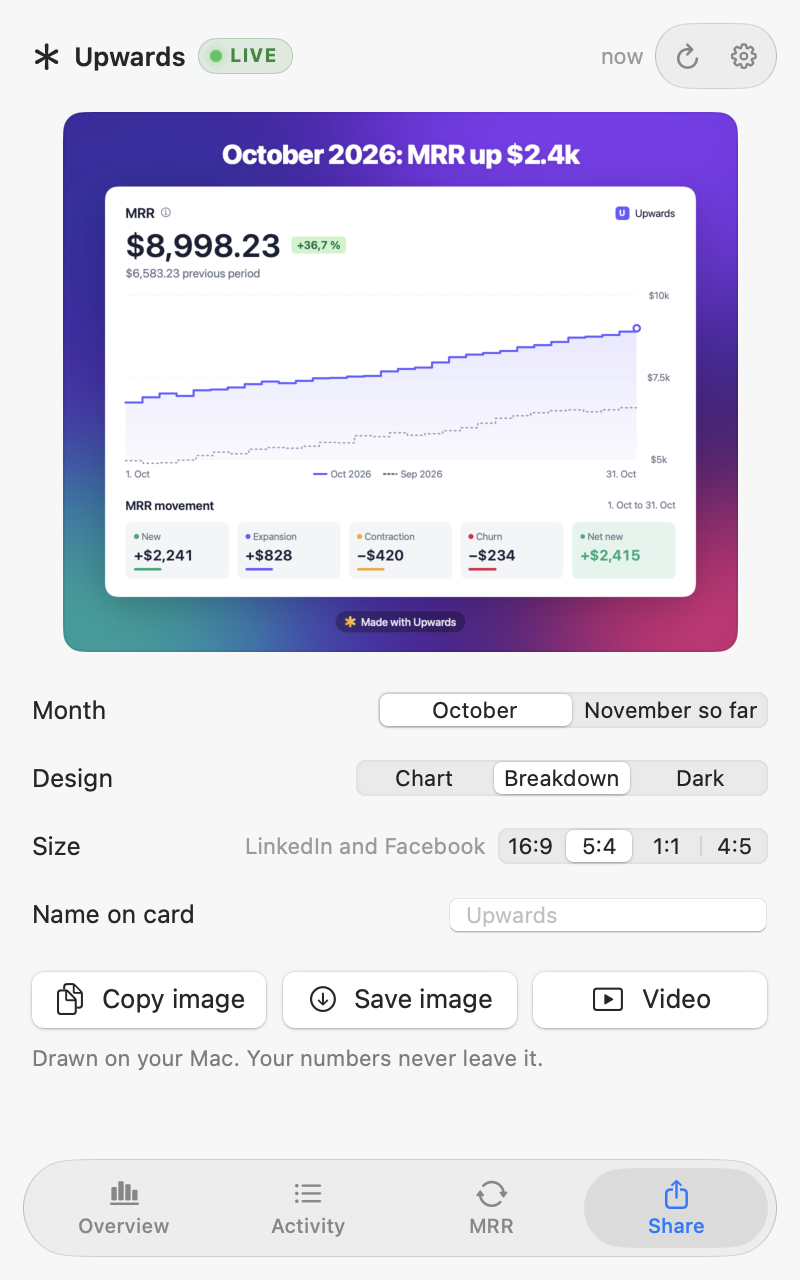
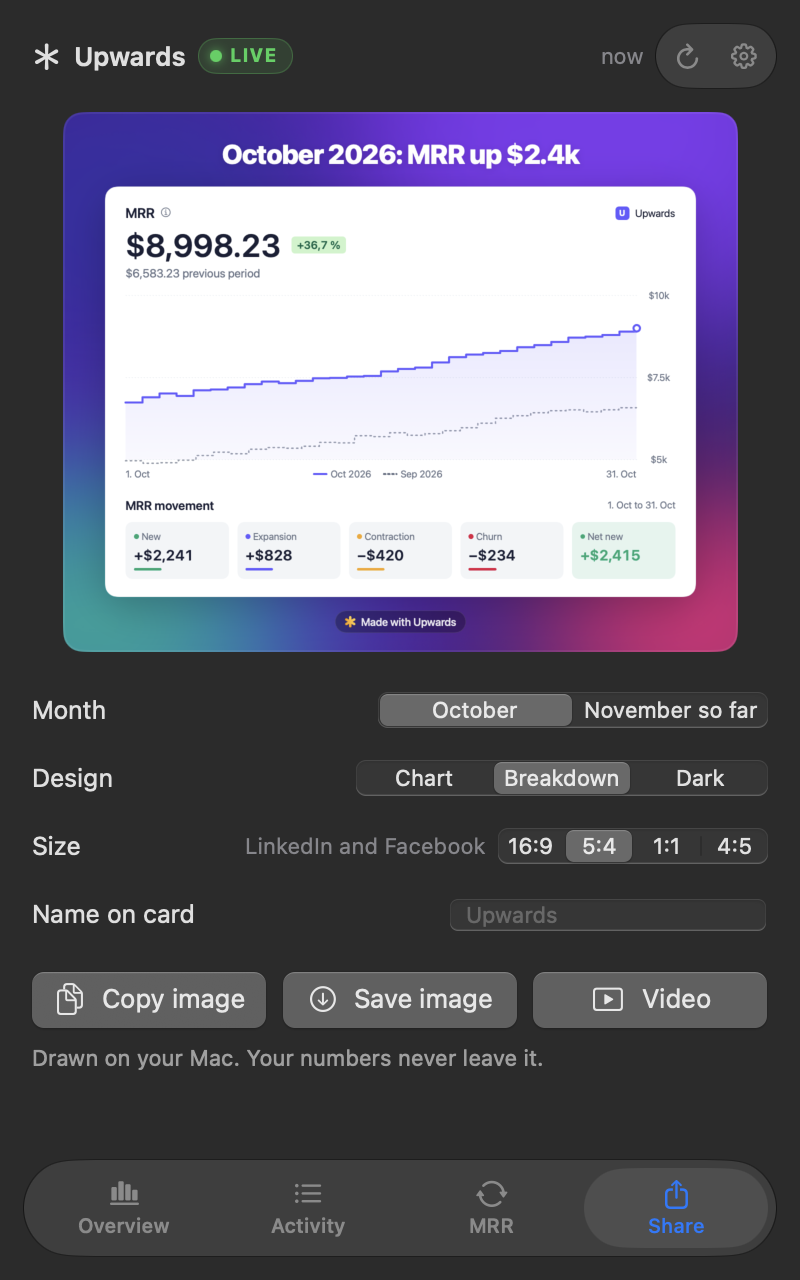
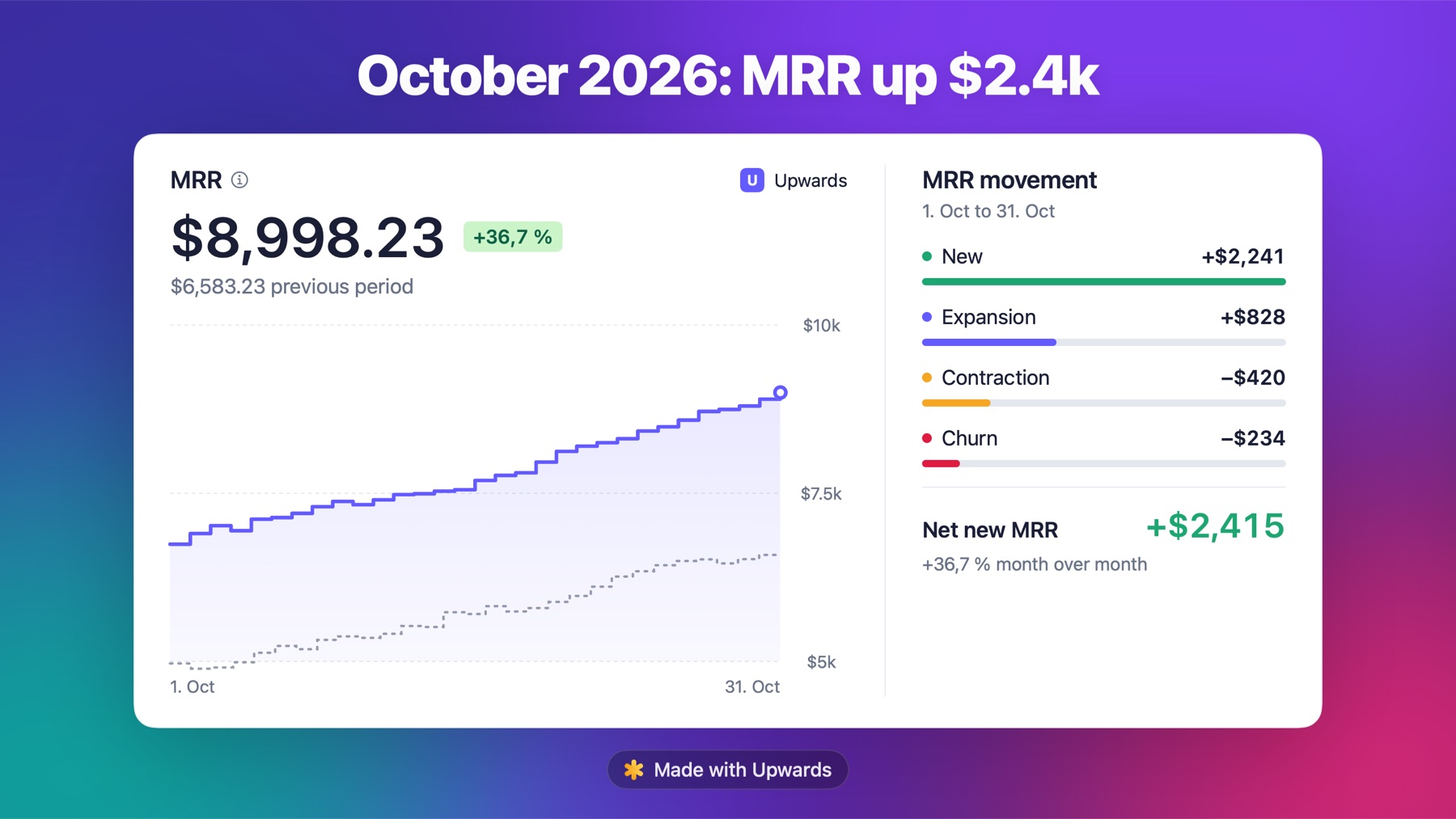
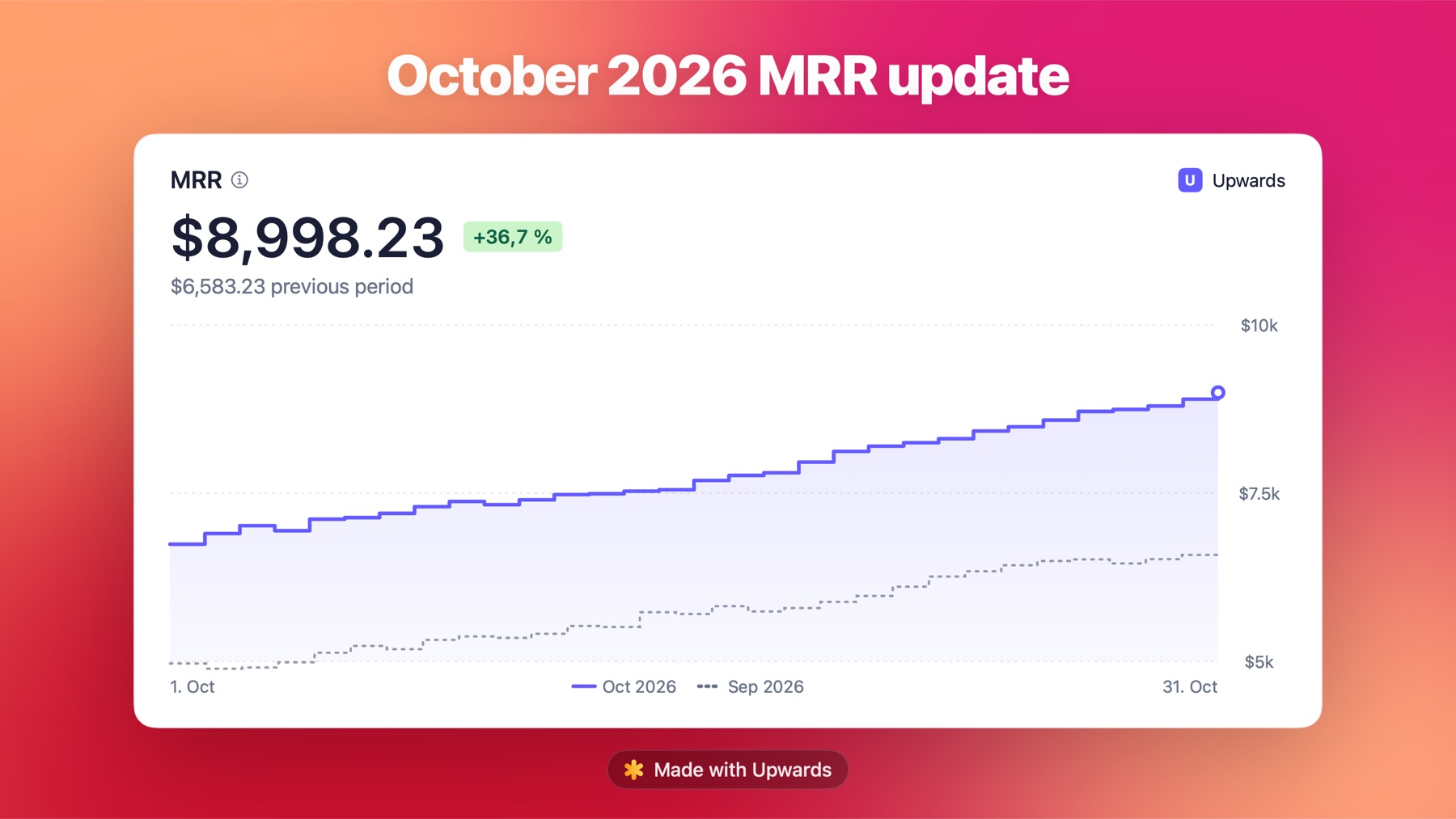
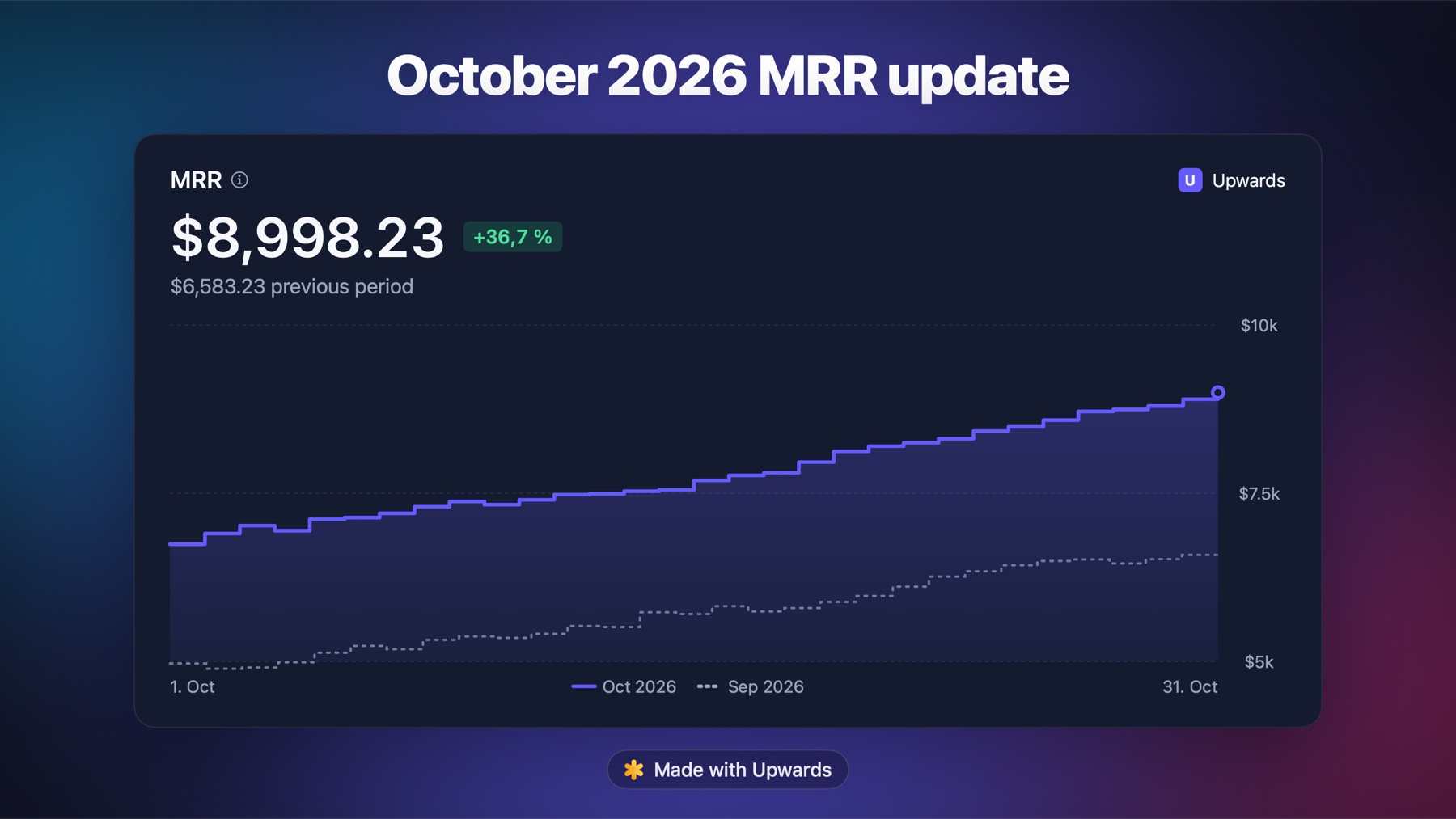
At the end of each month Upwards reminds you to share how it went. Three designs, every social size, drawn on your Mac.
Read-only, on your Mac.
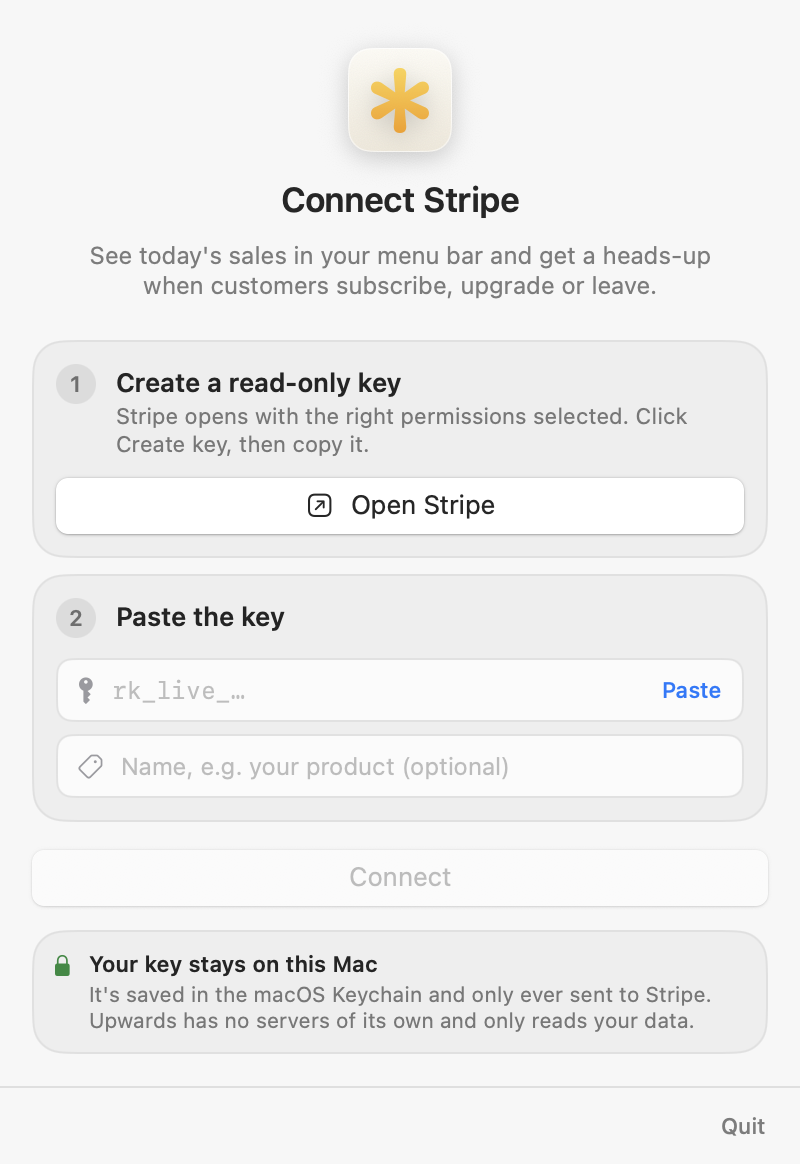
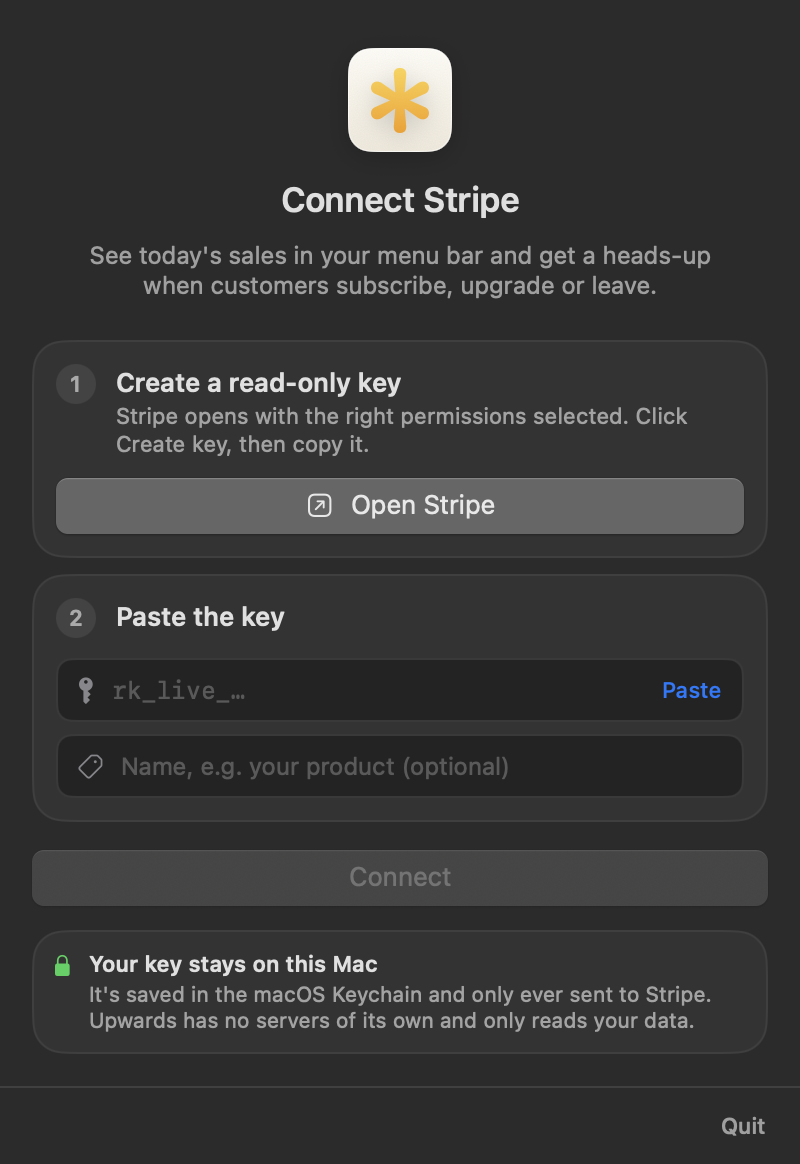
Upwards opens Stripe's restricted key form with these permissions already picked, all set to Read. You click Create key and paste it in. It goes into your macOS Keychain.
- ReadBalancesales, fees, refunds
- ReadBalance transaction sourceswhat the customer actually paid
- ReadEventsactivity and notifications
- ReadSubscriptionsMRR and the customer view
- ReadCustomerscustomer names
- ReadProductsplan names, like “Pro”
Up and running in a minute.
Version 0.1.0 · 6.9 MB · macOS 14 or later
- 1
Drag it into Applications
Open the DMG and drop Upwards on the Applications folder beside it.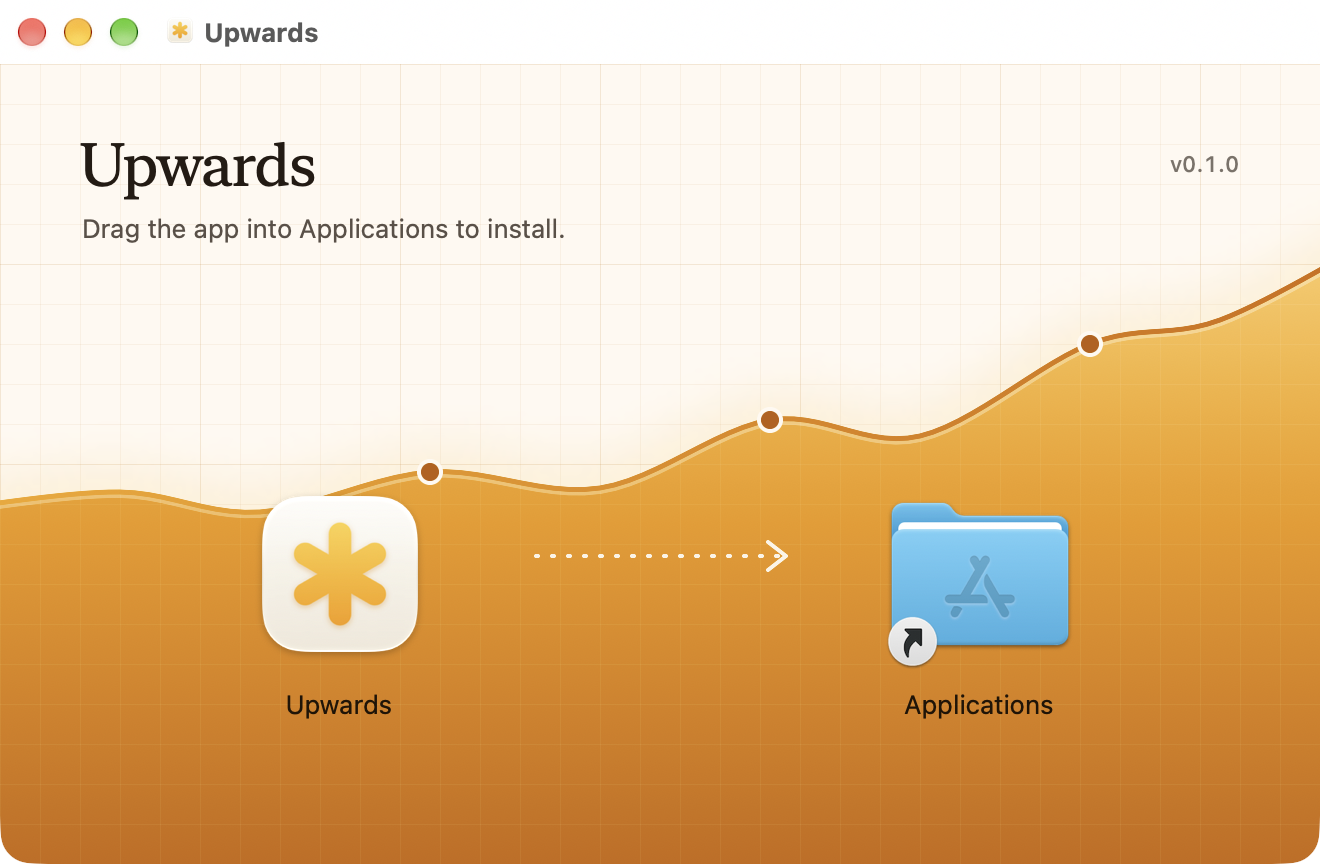
- 2
Allow it once
The first time, macOS says it couldn't verify Upwards. Click Done, then open System Settings → Privacy & Security and click Open Anyway. Or run this once in Terminal:$xattr -dr com.apple.quarantine /Applications/Upwards.app - 3
Add your Stripe key
Click Open Stripe in Upwards, then Create key on the page that opens, and paste it. Your numbers show up right away.
Good to know.
Yes, free to download and use. I built it for myself and I'm sharing it.
Stripe's own Dashboard app is made for phones, so on a Mac you're left with a browser tab. Upwards is a free Stripe app for Mac that lives in the menu bar: one click shows today's sales, your MRR and the latest customer activity, without opening the Stripe Dashboard.
Install Upwards and add a read-only Stripe key. It sends a macOS notification for new subscriptions, upgrades, cancellations, failed payments and refunds. If you were away, a summary of what you missed waits in the menu bar.
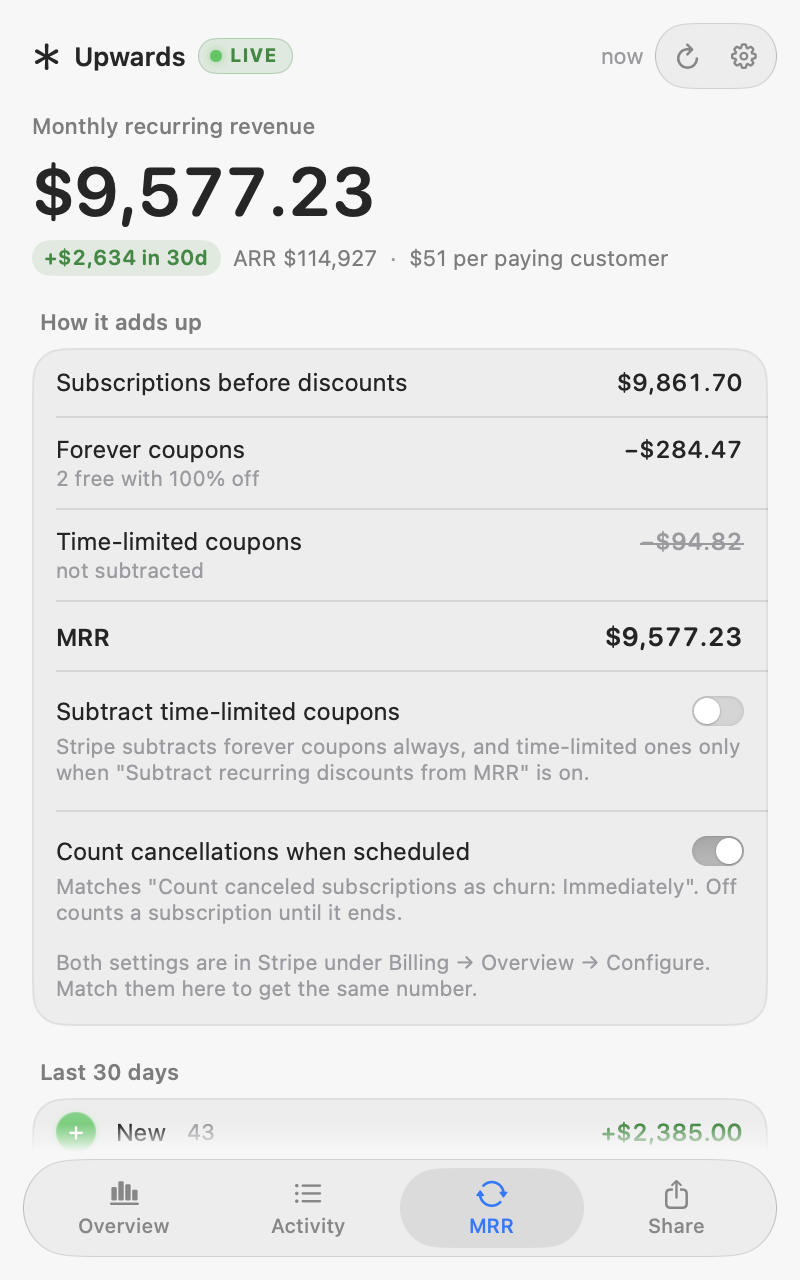
Yes. Upwards counts MRR the way Stripe's Billing overview does, with forever coupons subtracted. Two switches match Stripe's own settings: whether time-limited coupons are subtracted, and whether a scheduled cancellation counts as churn right away. Set them like your Stripe settings (Billing → Overview → Configure) and the numbers line up.
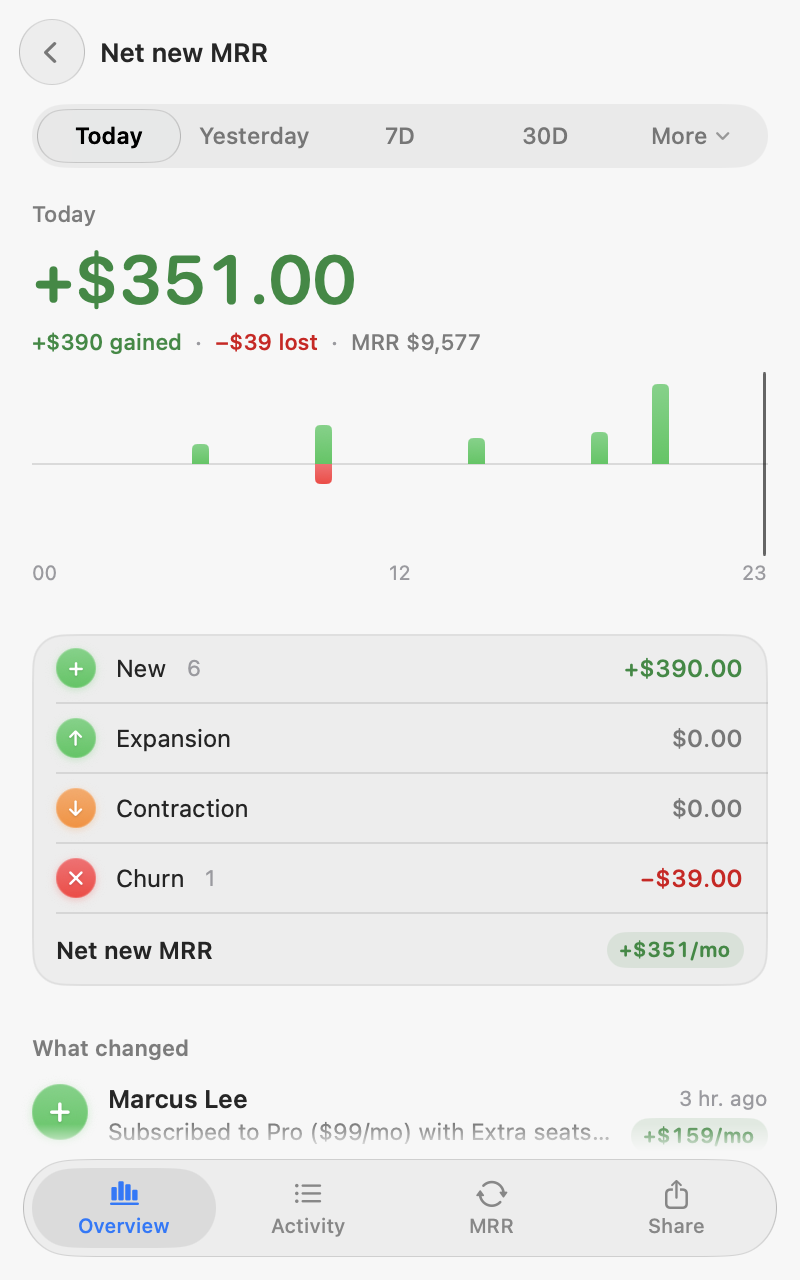
Net new MRR is new MRR plus expansion, minus contraction and churn. Upwards shows each part for today, yesterday, 7 days, 30 days and longer periods, with the customers behind every change.
Upwards uses a restricted key with read-only permissions, so it can't charge, refund or change anything in your account. The key is stored in the macOS Keychain and only ever sent to Stripe. There's no Upwards server.
Yes. At the end of each month Upwards makes a card with your MRR and how it moved, in three designs and every social size. Copy it, save it as an image, or export a video.
Your payments and customers only travel between Stripe and your Mac, and Upwards only reads. To see who uses it, Upwards sends usage stats with a random ID: which screens get opened, and once a day each account's name with its MRR and revenue totals. Never your customers, products, single payments or keys. You can turn this off in Settings. It also fetches public exchange rates, and customer photos from Gravatar, which you can turn off too. Share cards are drawn on your Mac.
macOS 14 Sonoma or later, on Apple silicon and Intel.
Apple only skips that warning for apps signed through a paid developer account. Upwards stays free without one, so you approve it once and it opens normally after that.